Need to reduce your photo size for a government job application form? Use the Free Image Compressor & Resizer Online tool by Pravin Edu to compress and resize images directly in your browser.
You can reduce image file size in KB, adjust image dimensions, select output format and download your compressed image. No software installation is required.
How to Compress an Image Online?
Follow these simple steps to reduce your image size:
- Upload Image: Select an image from your mobile or computer, or drag and drop it into the upload area.
- Select Image Size: Choose a quick size preset or enter your target file size in KB.
- Set Dimensions: Adjust the image width and height as required.
- Choose Output Format: Select the required image format.
- Compress Image: Click the Compress button to process your image.
- Download: Download your compressed image individually or use the ZIP download option for multiple images.
Key Features of Image Compressor
- Free Online Tool: Compress images without installing any software.
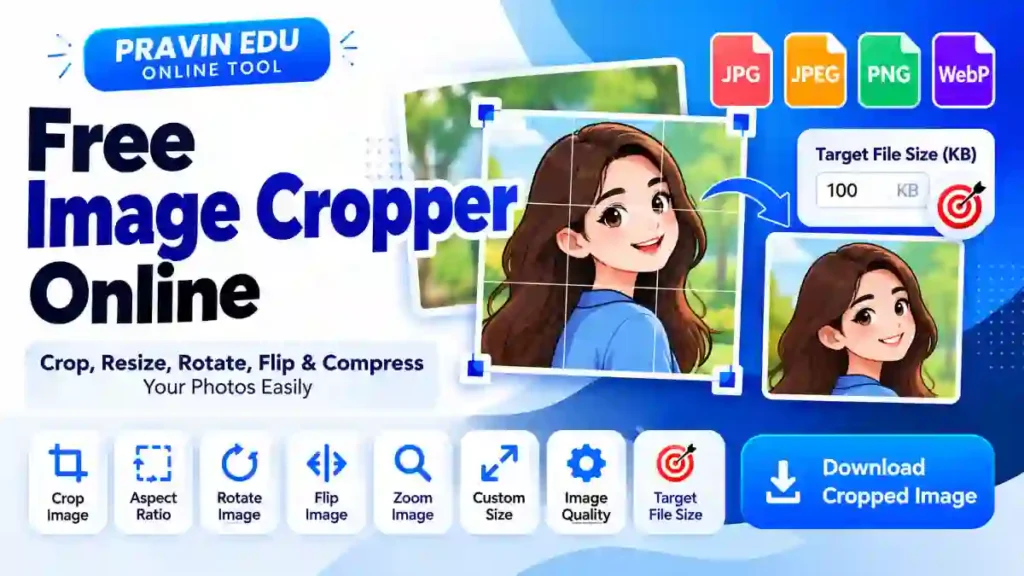
- Reduce Image Size in KB: Set your desired target file size.
- Image Resizer: Adjust image width and height.
- Quick Size Presets: Quickly select commonly required image sizes.
- Multiple Image Upload: Process multiple images together.
- Format Selection: Choose the required output image format.
- Individual Download: Download compressed images separately.
- ZIP Download: Download multiple processed images in one ZIP file.
- File Size Details: Compare original and compressed file sizes.
Note: Target file size is an attempt, not a guaranteed result. Final image size depends on the original image, dimensions, format and quality settings.
Useful for Government Job Applications
Many recruitment portals specify photo and signature file-size and dimension requirements. This tool can help prepare images for applications to:
- OJAS Gujarat Recruitment
- GPSC and GSSSB
- SSC Recruitment
- UPSC Applications
- Railway Recruitment (RRB)
- Banking Exams
- Police and Defence Recruitment
- Other Government Job Applications
Always check the official recruitment notification for the exact photo size, signature size, dimensions and accepted file format before uploading.
Supported Image Formats
You can upload common image formats supported by your browser and device. The available output formats depend on the tool’s format options and browser support.
Is This Image Compressor Free?
Yes. You can use the Pravin Edu Image Compressor & Resizer online without installing additional software.
Is My Uploaded Image Safe?
Image processing is performed in your browser using the tool. Your images are not intentionally uploaded to a Pravin Edu server for compression. For sensitive images, you should still avoid using shared or public devices.
Frequently Asked Questions (FAQs)
1. How can I reduce image size to 20KB?
Upload your image, enter 20 KB in the Target File Size option and click Compress. The tool will attempt to reduce the image size to your selected target.
2. Can I resize an image online?
Yes. You can adjust the output width and height using the Output Dimensions options.
3. Can I compress multiple images at once?
Yes. Upload multiple images and process them together. You can download individual images or use the ZIP download option.
4. Can I use this tool on mobile?
Yes. The tool is designed to work on supported mobile browsers as well as desktop computers.
5. Is this tool useful for OJAS photo and signature uploads?
Yes. You can use it to prepare photos and signatures according to the file-size and dimension requirements mentioned in the official recruitment notification.
6. Will image quality remain the same after compression?
Image quality may change depending on the selected output settings and compression level. Check the compressed preview before downloading.
Final Words
The Pravin Edu Image Compressor & Resizer makes it easier to prepare images for online forms and government recruitment applications. Upload your image, select the required settings and download the compressed result.
Use the tool whenever you need to reduce image size in KB or resize a photo online.