Pravin Edu ના Free Image Cropper Online Tool દ્વારા તમે કોઈપણ ફોટો સરળતાથી crop અને resize કરી શકો છો. ફોટાનો જરૂરી ભાગ પસંદ કરો, size સેટ કરો અને JPG, JPEG, PNG અથવા WebP format માં download કરો.
Free Image Cropper Online
Crop, rotate and resize your photo easily.
Image Cropper કેવી રીતે ઉપયોગ કરવો?
- Choose Image: તમારા mobile અથવા computer માંથી ફોટો upload કરો.
- Crop Image: ફોટાનો જરૂરી ભાગ પસંદ કરો.
- Aspect Ratio: Free Crop, 1:1, 3:4, 4:3 અથવા 16:9 પસંદ કરો.
- Rotate & Flip: જરૂર પ્રમાણે ફોટો ફેરવો અથવા flip કરો.
- Resize Image: Output Width અને Height દાખલ કરો.
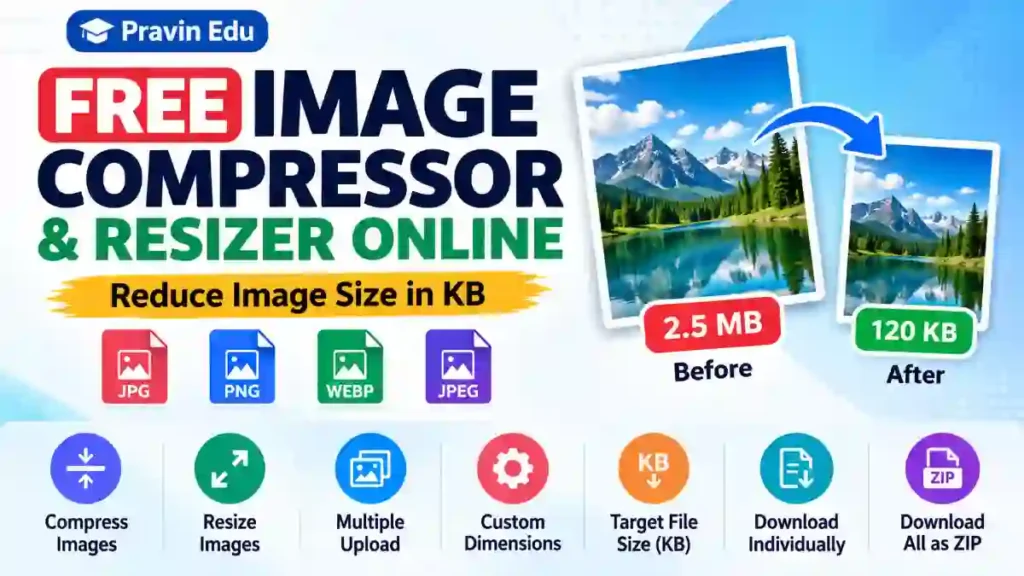
- Target File Size: જરૂર મુજબ 50 KB, 100 KB કે અન્ય size દાખલ કરો.
- Download: Crop & Download પર click કરીને તમારો ફોટો save કરો.
Available Features
- Free Image Cropping
- 1:1, 3:4, 4:3 અને 16:9 Aspect Ratio
- Rotate Left & Right
- Horizontal & Vertical Flip
- Image Zoom
- Custom Width & Height
- Target File Size (KB)
- JPG, JPEG, PNG અને WebP Output
Frequently Asked Questions
1. Is this Image Cropper free?
Yes, you can use Pravin Edu Image Cropper for free.
2. Which image formats are supported?
You can upload JPG, JPEG, PNG and WebP images.
3. Can I crop an image into 1:1 size?
Yes, select the 1:1 Square option from the Aspect Ratio menu.
4. Can I reduce image size to 100 KB?
Yes, enter 100 in the Target File Size field. The tool will try to reduce the JPG, JPEG or WebP image to 100 KB or less. The exact size is not guaranteed.
5. Can I use this tool on mobile?
Yes, this tool works on mobile phones, tablets and computers.
6. Can I download the cropped image?
Yes, after cropping, click the Download Image button to save your photo.
Conclusion
Pravin Edu Image Cropper is a simple and free online tool to crop, rotate, resize and download images according to your requirements. Use it whenever you need to prepare a photo for an online form, website or other purpose.